Compact Cardio Equipment: Choose by Working Space and Daily Setup
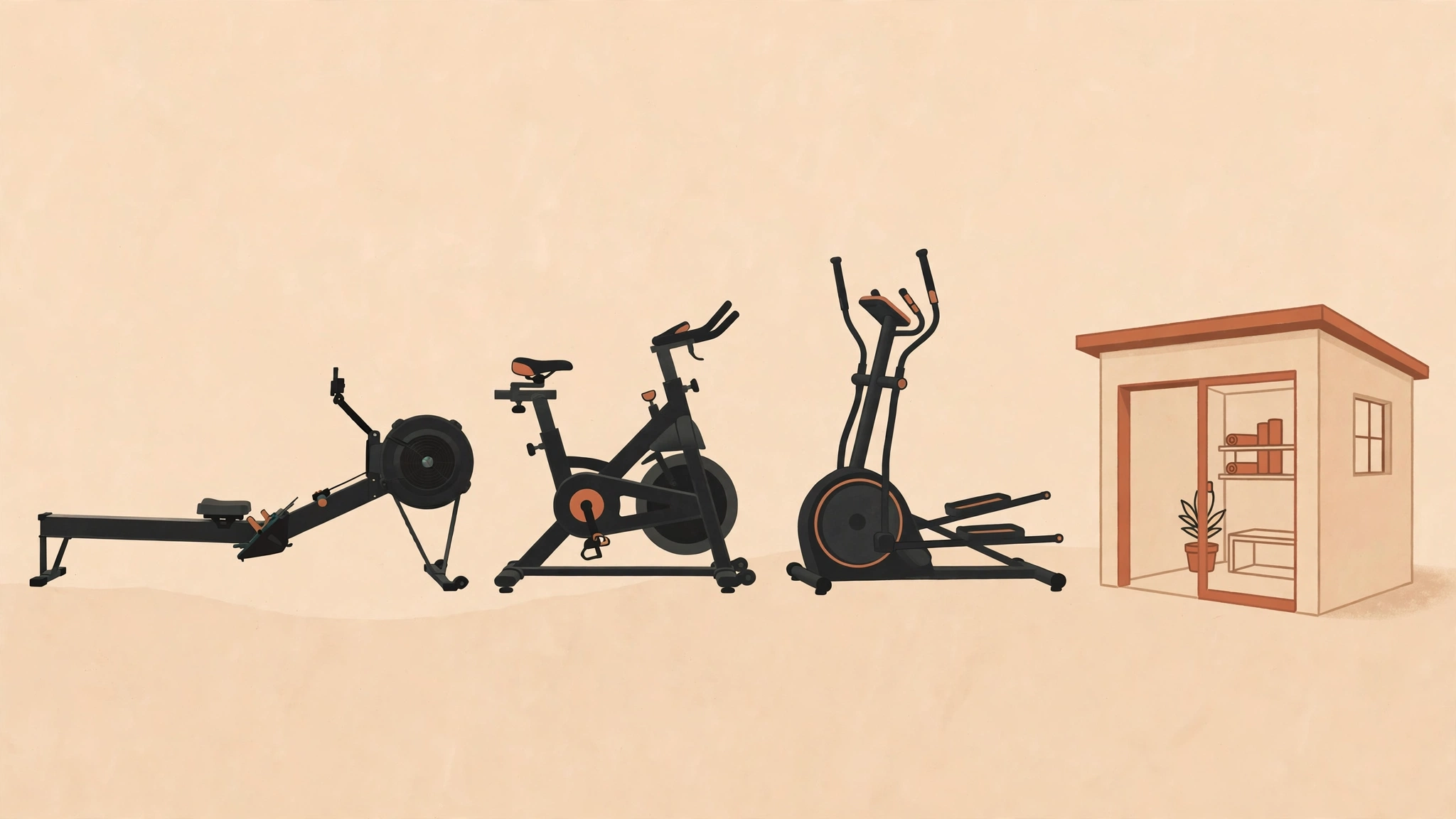
Choose the cardio movement you want first, then check whether a specific machine fits your room while you use it, while it is stored, and while you move between those two states. A compact parked machine can still need a large working area or an awkward daily setup.
This guide helps you narrow the categories before comparing models. The three named products below illustrate manufacturer size labels and storage differences; they are not a ranked shortlist or products HomeGymWise has tested.
Start with the movement and room constraint
Write down one movement you want to make room for: walking, running, cycling, rowing, stepping or elliptical motion. Buying a small machine for a different activity only solves the storage question.
Next, identify the room’s hardest constraint. Perhaps the equipment must leave the room after each session, the desk and chair must stay in place, or the only available floor area is long and narrow. Use that constraint to rule out unsuitable options before comparing features.
If you have not measured around your furniture, first measure the usable room space. For this comparison, record three separate checks:
- In use: the exact model’s documented working area, including its stated clearance requirements.
- Parked: its documented storage dimensions and permitted storage configuration.
- In transition: the route and setup steps between those positions, checked against the manufacturer’s instructions.
The transition check is a planning tool, not a certified clearance or a moving procedure. A machine that passes the first two checks still needs a workable way to get between them.
Screen the cardio categories
Use the activity and your room constraint to decide which categories deserve further investigation. The checks below are questions to answer for an exact model, rather than claims that every machine in a category behaves alike.
| Category to investigate | When to put it on your list | What to establish before keeping it there |
|---|---|---|
| Walking pad or treadmill | You want walking; for running, investigate models explicitly intended for it | Intended activity, complete working area, permitted stored state and route to storage |
| Exercise bike, including folding designs | You want a seated cycling session | Riding fit, working clearance, and whether the exact model actually folds or stays assembled |
| Rowing machine | Rowing is the activity you want | Available working length, documented storage configuration and the return routine |
| Under-desk pedal cycle | You want to investigate pedaling with a separate chair | The combined chair, user, pedal unit and desk fit; the unit’s dimensions alone are incomplete |
| Mini stepper | You want stepping motion | Space for the user during movement, model-specific support requirements and permitted storage |
| Compact elliptical | You want elliptical motion | Whether the design is seated or standing, and its documented user and movement space |
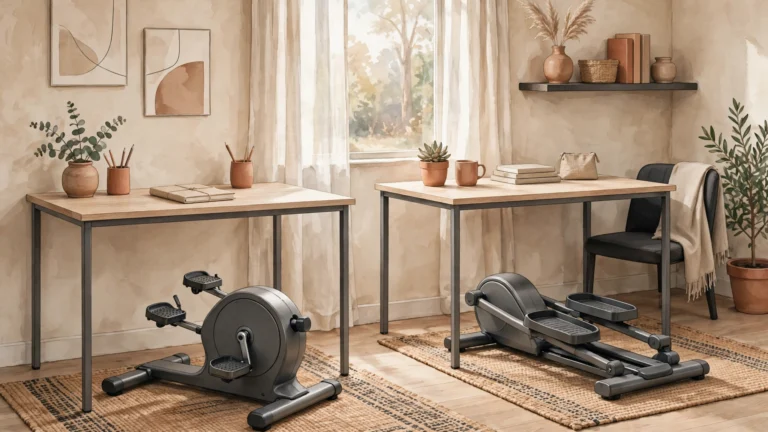
For example, a shared office may leave a pedal unit worth investigating, but only if the chair and desk arrangement also work. A room that can stay arranged for cycling may make an assembled bike worth investigating. Neither scenario establishes comfort or a product recommendation; it identifies the next fit question.
Compare working space with parked size
Check what each number describes before comparing it. Machine dimensions describe the equipment itself. Clearance for use describes a manufacturer’s stated use area. Storage dimensions apply to a particular stored configuration. Shipping dimensions describe the packaging and should not substitute for any of these.
These manufacturer examples show why a single “footprint” column can mislead:
| Exact example | Manufacturer’s machine or assembled size | Separate use or storage information | Machine weight |
|---|---|---|---|
| Concept2 RowErg, standard legs | 8 ft × 2 ft assembled | 9 ft × 4 ft with clearance for use; listed two-part storage dimensions of 25 × 33 × 54 in | 57 lb |
| Concept2 BikeErg | 48 × 24 in assembled | 60 × 48 in with clearance for use; must be stored fully assembled | 68 lb |
| Sunny Health & Fitness SF-B0891, base model | 20.5 L × 16.5 W × 10.5 H in product dimensions | These figures do not establish the complete chair-and-user working area | 19.1 lb |
Sources: Concept2 RowErg, Concept2 BikeErg, and Sunny SF-B0891. Specifications checked October 17, 2026. The RowErg figures apply to standard legs; the Sunny figures apply to the base SF-B0891, not its SMART variant.
The RowErg example makes the working-versus-stored distinction clear: fitting its documented stored configuration does not establish room for rowing. The BikeErg’s shorter assembled outline still comes with a larger stated use area, and its storage state remains assembled. The Sunny unit has a small product outline, but its table entry cannot tell you where your chair, knees and desk will fit.
Keep these labels in your notes rather than converting every figure into a supposedly comparable floor area. Three-dimensional storage measurements and a manufacturer’s two-dimensional use area answer different questions. Do not assume another model shares either requirement.
Check the route and the daily setup routine
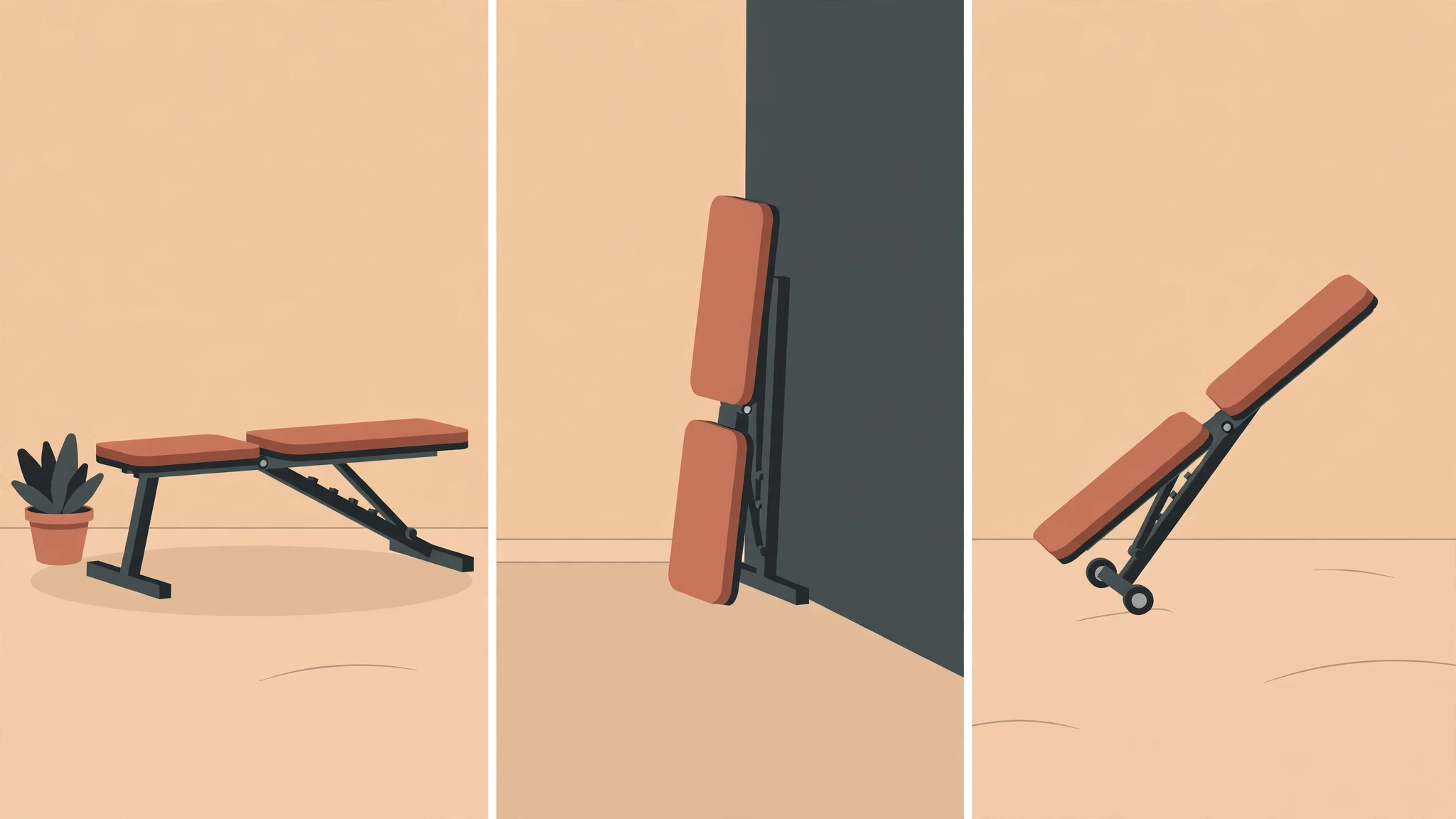
Picture an ordinary session from beginning to end: take the equipment out, arrange the room, use it, then restore the room. Record each step that your chosen model’s instructions require. Include any furniture you would need to move.
In the examples above, Concept2 documents two-part storage for the RowErg, while the BikeErg must remain fully assembled in storage. Those are different routines even before personal handling ability enters the decision. The listed weights are useful facts to record, but weight alone does not establish that you can comfortably move a machine along your route.
For a shared room, ask: “Would I still do this setup when I only have time for a short session?” If the plan depends on rearranging furniture every time, keep that burden visible beside the stored dimensions. Use your daily storage and return plan to decide where each item belongs afterward.
Leave lifting, separation, folding and storage-orientation procedures to the exact manufacturer’s instructions. This comparison does not establish that a machine can go upstairs, stand upright or fit under a bed.
Keep noise, comfort and cost separate from size
A dimension sheet cannot answer every buying question. Keep a separate unresolved-check list so that a good room fit does not become an unsupported recommendation.
- Noise in your home: no residential noise or vibration measurements were established for these examples. Do not treat their inclusion as evidence of neighbor-friendly use.
- Personal fit: confirm the exact model’s fit information and investigate comfort separately. For desk pedals, include your actual seat, desk and leg movement in that check.
- Purchase cost: obtain a current quote for the exact variant, including applicable delivery and any required items. No price or value ranking is established here.
If an unresolved issue would stop you using the equipment, keep the model in the “ask” column. A small parked size is not a reason to overlook it.
Build a shortlist you can verify
Choose one category to investigate first and complete this worksheet for a specific model and variant. Use “unknown” wherever the documentation does not answer the question.
| Check | Your record | Decision rule |
|---|---|---|
| Intended movement | Activity you want; model’s documented intended use | Reject a model that does not support the activity you want |
| Working space | Stated use area and room measurements | Ask if requirements are missing; reject if the documented requirement cannot fit |
| Parked state | Permitted configuration and matching dimensions | Reject a plan that relies on an undocumented storage position |
| Return routine | Route, required setup steps and furniture changes | Ask about unclear instructions; keep the routine only if it is workable for you |
| Personal fit and noise | Evidence obtained and questions still open | Keep a purchase-stopping unknown in “ask” |
| Current total cost | Exact-variant quote and applicable extras | Compare with your budget only after checking the actual cost |
Mark the model shortlist, ask, or reject. “Shortlist” means it deserves further consideration, not that this worksheet certifies its suitability. Before purchasing, resolve the questions that matter to you using the exact model’s documentation and appropriate firsthand fit checks. Keep the working-space, storage and daily-routine records together so the smallest advertised number never makes the decision by itself.